
DSLR or webcam
Direct control of a Canon EOS DSLR for professional image quality, or plain webcam operation when the setup has to stay light.
PLAM-X drives the booth from end to end: it fires the DSLR, applies your frame, prints on the spot and shares through a QR code. Your guests press one button, everything else happens on its own.
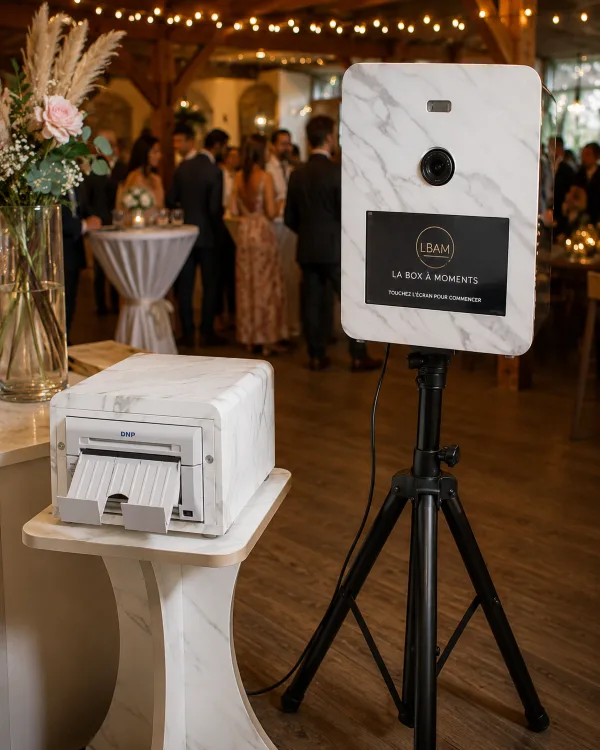
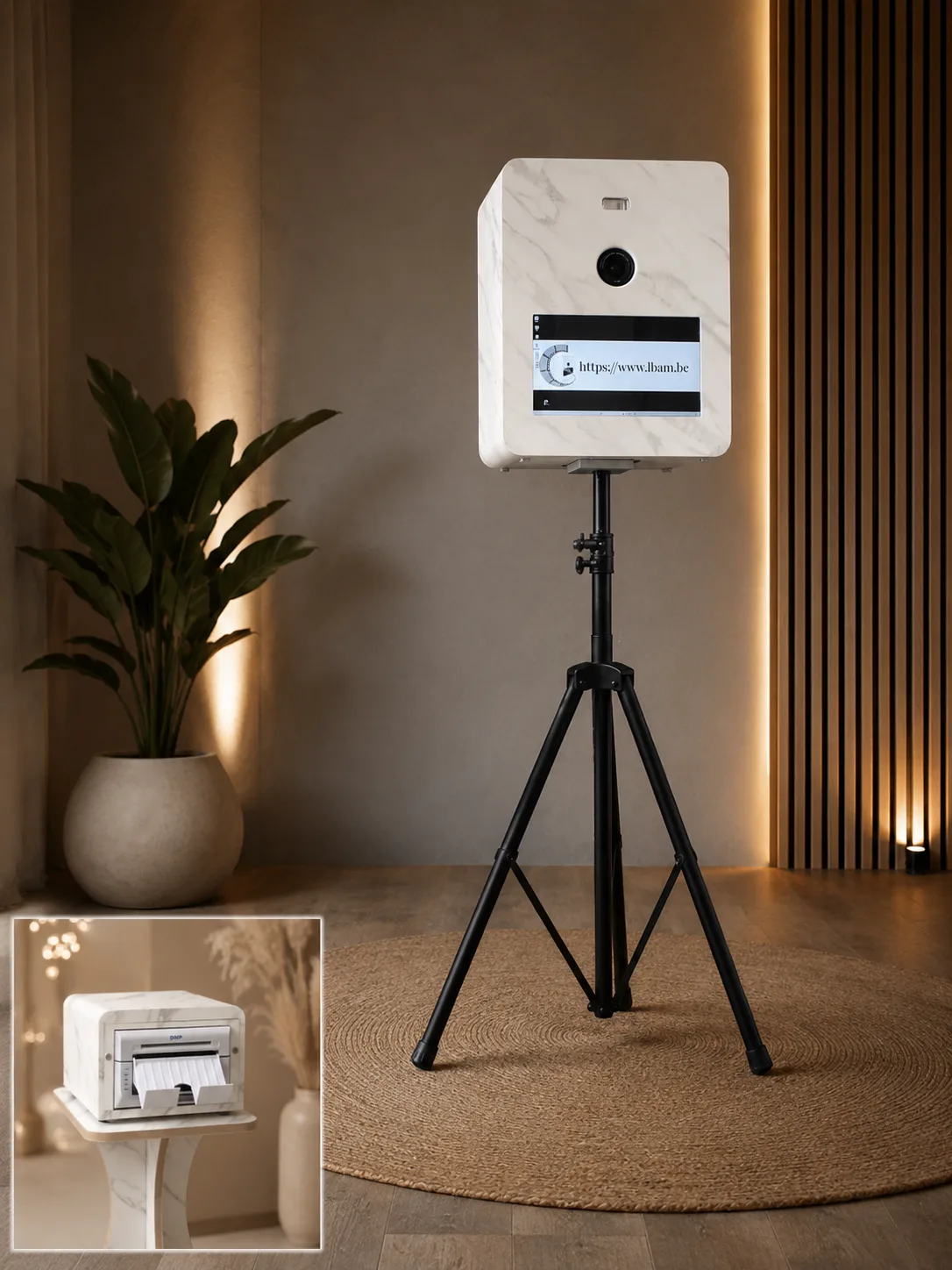
PLAM-X (Photo Load Automation Manager eXtended) brings capture, processing, printing and sharing together in a single application, built to run all night without a break.
Direct control of a Canon EOS DSLR for professional image quality, or plain webcam operation when the setup has to stay light.
A 10×15 cm print or a 5×15 strip in seconds on a dye-sublimation printer. Print counter, multiple formats and media handling are built in.
A QR code appears at the end of the sequence: guests pick up their photo or video on their phone, with no app to install.
A different frame for every event, imported or drawn in the built-in editor. Settings are stored per event and reloaded in one click.
Full-screen touch interface, on-screen keyboard and voice prompts in French, Dutch, English, Italian and Spanish. Guests pick their language and the booth runs unattended.
New versions download in the background. Installing them waits until the booth is closed, or one click in the settings: never an update in the middle of a party.
PLAM-X grew out of running La Box à Moments photo booths day after day. Every feature was added because it was missing at a wedding, not because it looked good on a spec sheet.
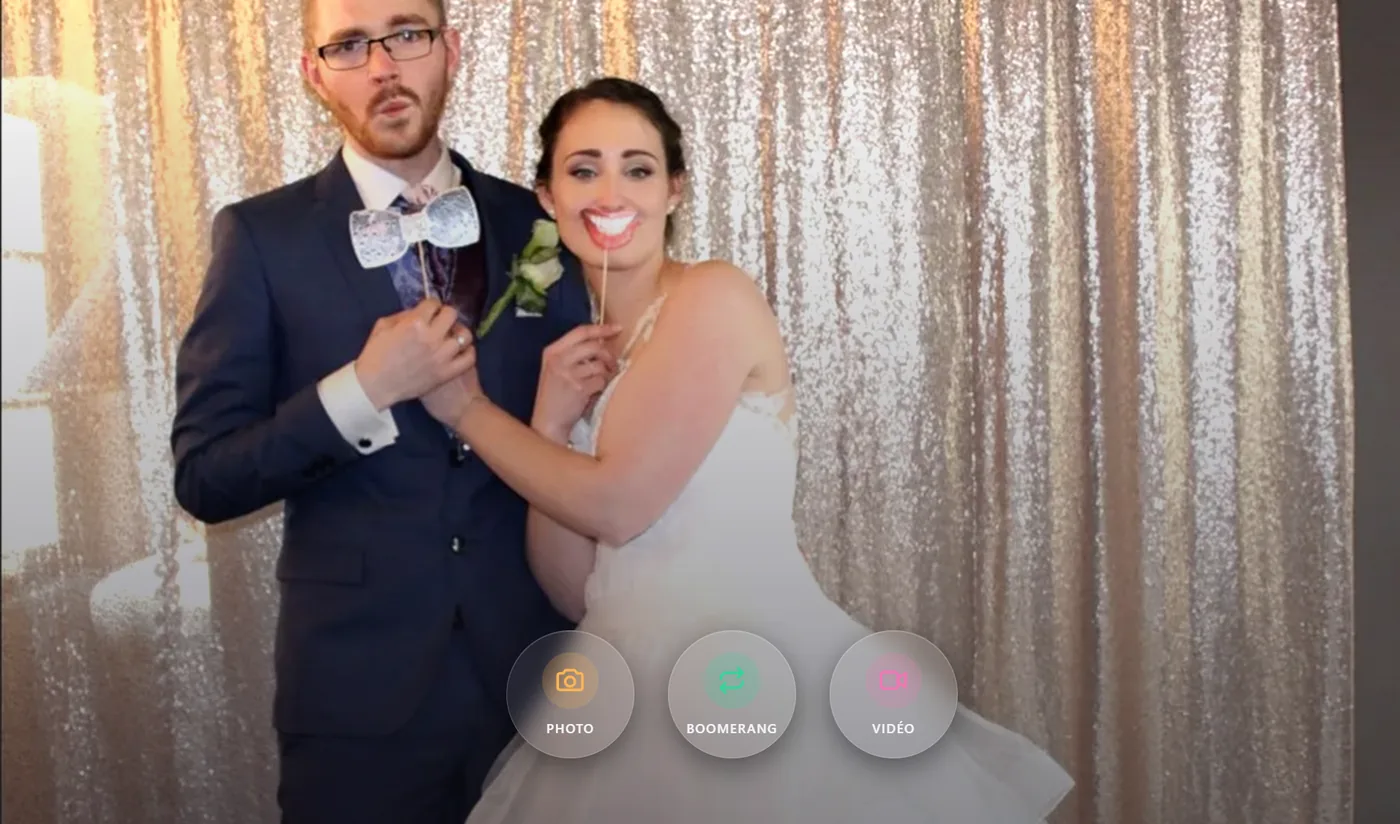
Guests choose for themselves on the home screen. Each mode can be switched on or hidden per event.
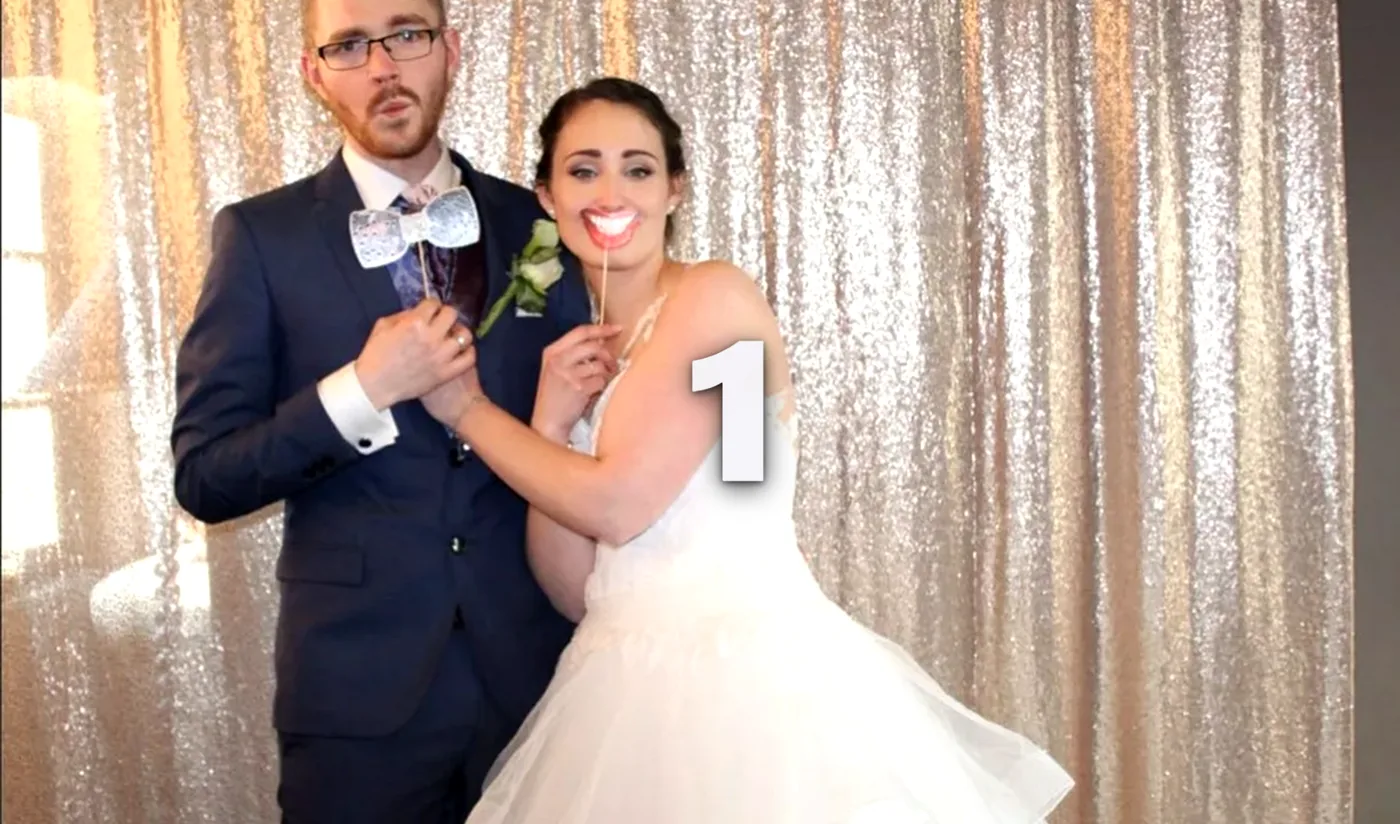
Countdown, shot, frame applied, print in your hand right away.
A burst played back and forth, made for social media.
A filmed message of a few seconds, shared through a QR code.
Full screen, three buttons, a countdown: the interface is built to be used with no explanation at all, even after midnight.
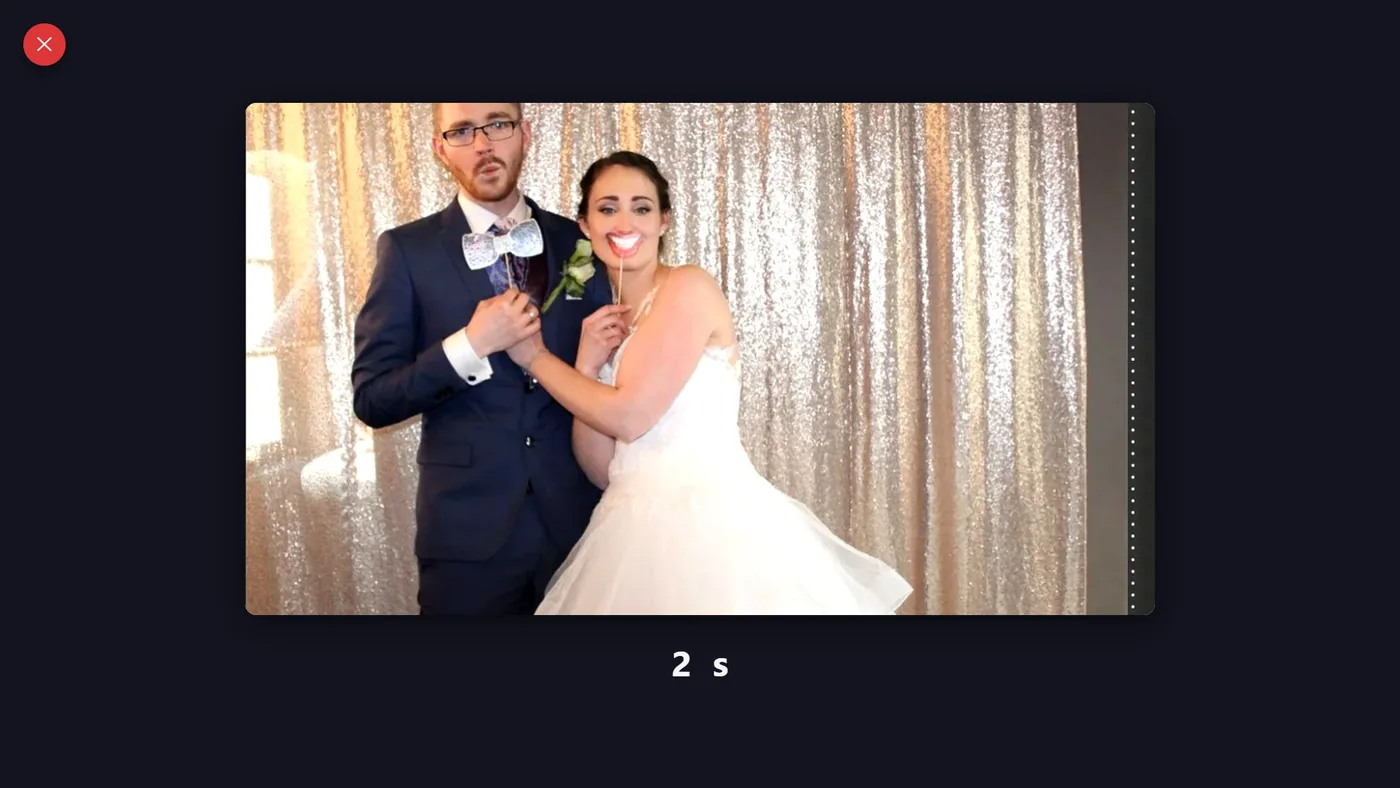
You pick the frame, the active modes and the on-screen text. Everything is saved under the event name and reloaded at the next start.
Plugged in and switched on, the booth boots straight to the full-screen home screen. No setting is within reach of your guests.
They press, pose, print and scan the QR code to leave with their photos. You get all the files back after the party.
A Windows 10 or 11 PC with a touchscreen, a Canon EOS DSLR (or a webcam) and, optionally, a dye-sublimation photo printer. That is the standard setup of our booths.
Not to shoot and print. A connection is needed to share photos online and for the periodic licence check, which stays valid offline between two checks.
Yes. Frames are imported or created in the built-in editor, and the on-screen text can be edited in the five interface languages (FR, NL, EN, IT, ES). Each event keeps its own set of settings.
Dye-sublimation photo printers, with support validated on the DNP DS620, in 10×15 cm as well as 5×15 strips.
PLAM-X ships with the photo booths built by La Box à Moments, and is available under licence to run on your own booth. Get in touch for a demonstration.
A demo online or on a booth, a quote to equip your own: drop us a line, we answer quickly.